A Strategy-First Website Audit You Can Do in an Afternoon

January has a way of making everything feel up for review.
Your goals.
Your pricing.
Your boundaries.
And yes… your website.
Before you jump into a redesign, buy a new template, or convince yourself you need to “start again”, there’s something far more useful you can do first.
Audit what you already have.
Not a dramatic, burn-it-all-down situation. A calm, strategic review that helps you understand what’s working, what’s quietly letting you down, and what actually needs attention next.
This is a strategy-first website audit you can do in an afternoon. No tech wizardry. No overthinking. Just clarity.
Step 1: Get Clear on What Your Website Is Meant to Do
Before you look at design, copy or layout, ask yourself one simple question:
What is the main job of my website right now?
Not in theory. In reality.
Is it meant to:
generate enquiries
sell a service or product
establish credibility
support your marketing
act as a hub for your content
If you try to make your website do everything, it usually does nothing particularly well.
Write down the one primary goal your website should support this year. Every decision you make next should point back to that.
If your site doesn’t currently support that goal clearly, that’s your first red flag.
Step 2: Check Your Homepage Like a First-Time Visitor
Open your homepage and give yourself five seconds.
No scrolling. No excuses.
Can you immediately tell:
what you do
who it’s for
and what someone should do next
If your homepage starts with “Welcome to my website”, I’m going to be blunt: people are leaving.
Your header should clearly state:
WHAT you do
WHO you do it for
and WHY it matters
Once that’s clear, then you can move into how working with you helps your clients and what makes your approach different.
Clarity first. Personality second.
Step 3: Audit Your Navigation (Be Ruthless)
Your navigation should make it easy for people to move through your site without thinking too hard.
Ask yourself:
Are there too many options?
Are pages named clearly?
Do they match how real humans think, not how you think as the business owner?
If someone has to hover, click around or guess where information lives, they’ll leave.
Less choice often leads to more action.
If you haven’t touched your navigation since you launched your site, January is the moment.
Step 4: Follow the User Journey (Not Your Ego)
This is where things get interesting.
Pick one page, ideally your homepage or a popular blog post, and ask:
what is the next step I want someone to take here?
Now check if that step is:
obvious
easy
repeated more than once
Your calls to action should appear regularly, not just at the bottom of the page when everyone has already left.
If someone has to scroll back up to work out how to contact you, that’s friction you don’t need.
Step 5: Look at Your Copy With Fresh Eyes
Website copy has a habit of becoming… stale.
You evolve. Your business evolves. Your website copy stays stuck in 2023.
Read your key pages and ask:
does this sound like how I actually speak now?
does it reflect my current offers?
does it focus on my client or on me?
Your website should talk more about your client’s problems and outcomes than your qualifications and journey.
Save the life story for the About page.
Step 6: Check Readability (This One Gets Missed)
This step is boring but vital.
Check:
font size
line spacing
colour contrast
If people can’t comfortably read what you’ve written, they aren’t sticking around long enough to appreciate it.
Light grey text on a beige background might look aesthetic, but it’s doing you no favours.
Design should support readability, not fight it.
Step 7: Does Your Website Match Your Business Now?
This is the quiet one that tends to sting a bit.
Ask yourself honestly:
does my website reflect the level I’m operating at now?
or does it represent an earlier version of my business?
If your offers have evolved, your confidence has grown, or your direction has shifted, your website should move with you.
A website that no longer fits can subtly hold you back, even if you can’t quite put your finger on why.
Step 8: Decide What Actually Needs Fixing
This is where strategy saves you money.
Not everything needs changing at once.
From your audit, separate things into three lists:
Keep – what’s working well
Tweak – small but meaningful improvements
Upgrade – things that genuinely need a bigger rethink
Sometimes the answer isn’t a full redesign. It’s clearer messaging, better structure, or more confident calls to action.
Other times, yes, it’s time for something more involved.
The key is knowing the difference.
What to Do With This Clarity
Once you’ve done this audit, you’ll be in a much better position to decide:
whether a refresh is enough
whether a template could work
or whether a more strategic redesign makes sense
And that decision will be grounded in reality, not January panic.
If you want support interpreting what you’ve found or deciding next steps, that’s where working together can be helpful. No pressure. No hard sell. Just a strategic conversation about what will actually move your business forward.
Final Thought
You don’t need to fix everything in January.
But taking an afternoon to review your website with intention can save you months of frustration later on.
Clarity first. Action second.
That’s how you build a website that actually supports your business this year.
---------
Hey there! I'm Amy - I design bold, strategic Squarespace websites for brilliant women who are ready to stop hiding behind a DIY site and start showing up online with confidence, clarity and a whole lot of personality.
This is where sexy meets strategy. It is web design with heart, purpose and a sprinkle of oomph… because your business deserves to shine. Come and say hello :)

Hey - I’m Amy! Designer, book lover & crochet addict - helping women-led brands bloom online.
Join the List
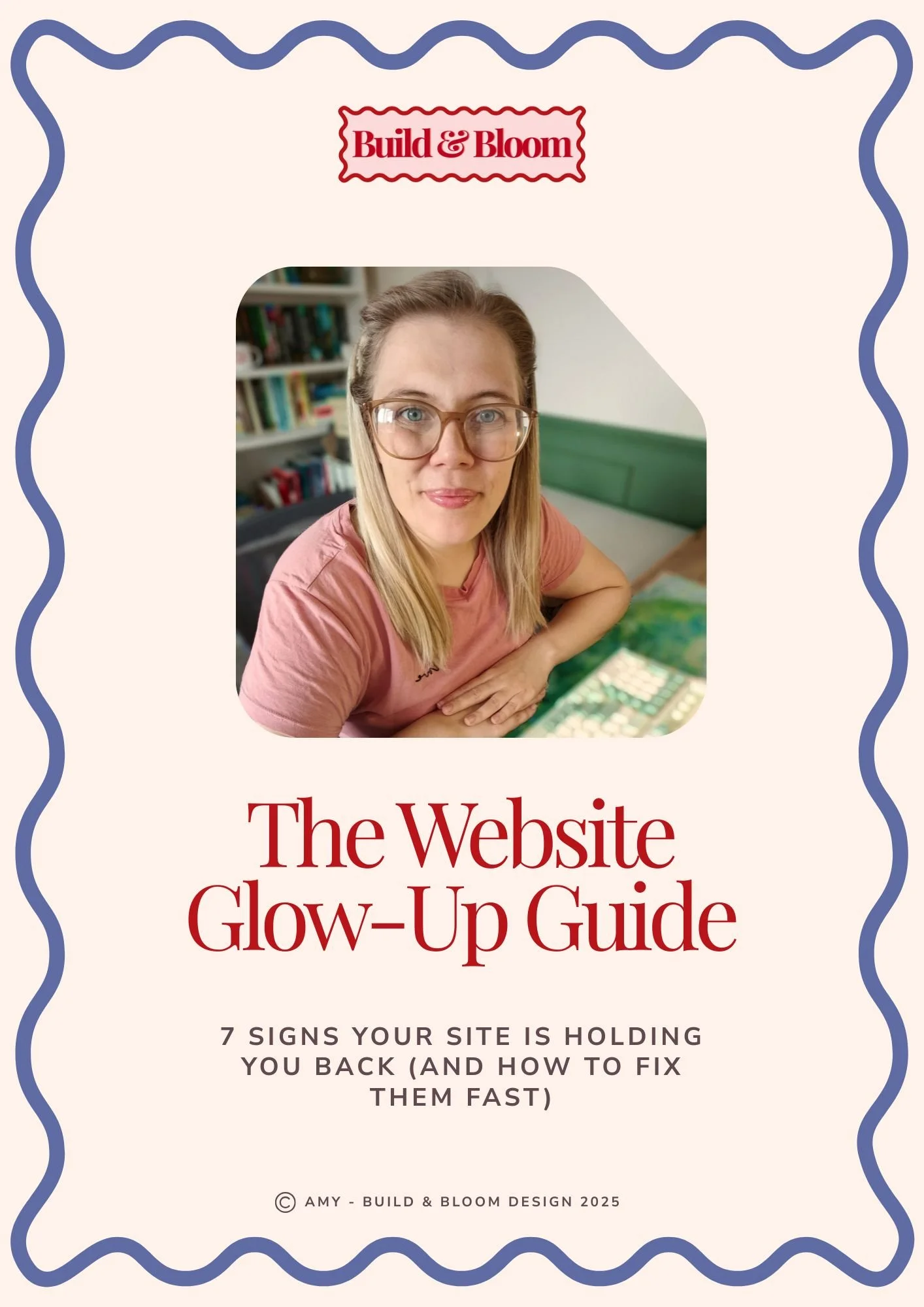
Grab your free copy of The Website Glow-up Guide!

Head over and explore the Aster template! Full demo site available.