Quick Website Fixes to Get You 2026 Ready

If your website has been quietly gathering digital dust, blending into the background or giving 2019 energy, now is the perfect time for a refresh. Not a full rebuild. Not a dramatic redesign. Just a smart, strategic set of fixes that instantly make your business look sharper, more professional and more aligned with where you are heading in 2026.
The best part?
None of these changes require a huge budget, a tech degree or a three month sabbatical to figure out what a header block is.
These are quick wins. High impact. Low stress. Exactly what you need at this point in the year.
Let us get you 2026 ready.
1. Simplify Your Navigation (Your Visitors Will Thank You)
A messy navigation is one of the fastest ways to lose a visitor.
If your menu reads like an unedited stream of consciousness, your audience is going to bounce quicker than you can say “why is there a page called ‘test’ still showing?”
Your navigation should be clean, logical and ruthlessly simple.
Ask yourself:
Does every menu item genuinely need to be there?
Are you guiding visitors to your most important pages?
Can someone understand where to go in under three seconds?
Your menu is not a brain dump. It is a signpost. And if someone lands on your site and feels overwhelmed, they are not going to dig deeper. They will leave and look for someone who makes the journey easier.
Quick fix:
Aim for 4 to 6 top level pages. Anything that is not essential can sit in the footer or a subpage.
2. Make Your Calls to Action Clear and Consistent
If your website only has one tiny call to action hidden halfway down your homepage like a shy woodland creature, we need to talk.
A conversion focused website needs:
one primary CTA
repeated throughout your site
visible on every key page
clear, bold and specific
Your visitor should instantly know what to do next.
Examples of strong CTAs:
Enquire about The Glow Up
Book your project
Download your guide
Join the newsletter
Repeat your CTA like it is your business best friend.
If someone is ready to work with you, the worst thing you can do is make them hunt for the next step.
Quick fix:
Add a CTA to your header, hero section, mid page and footer. Consistency converts.
3. Fix Your Colour Contrast (If They Cannot Read It, They Are Leaving)
This one is non negotiable.
You could have the most beautiful copy, the best offer and the strongest brand message, but if your text blends into the background like a timid chameleon, people will not stay long enough to read it.
Low contrast is one of the most common DIY design mistakes. It is also one of the easiest to fix.
Before you do anything else, check:
Are your headlines easy to read on all screen sizes?
Is your body text a dark enough shade?
Is your button text bold enough to stand out?
If you are unsure, here is the rule of thumb:
If you have to squint even a little, it is a no.
Quick fix:
Use a contrast checker (there are dozens of free ones online) and adjust your colours until everything is comfortable and accessible.
4. Start With the Most Important Line: Your Header Statement
Here is the cold, hard truth.
If your website header still says something like:
“Welcome to my website”
“Home”
“Hello and thanks for being here”
People will leave.
They will not scroll. They will not investigate.
They will quietly exit and find someone who gets straight to the point.
Your header needs to answer two things immediately:
1. What do you do?
2. Who do you do it for?
Then, you follow up with:
Why does this matter? How does working with you improve their life, business or results?
This top section sets the tone for your entire website. If you lose people here, you lose them entirely.
Strong examples might be:
Strategic Squarespace design for ambitious founders
Modern websites for service based businesses ready to grow
Brand led design for entrepreneurs upgrading their online presence
It should feel sharp, intentional and completely centred around your ideal client.
Quick fix:
Rewrite your header so it clearly communicates your service, audience and value in one sentence.
5. Update Your Imagery (Goodbye Random Stock Photos)
Your images should not look like a lucky dip from 12 different industries.
To instantly elevate your website:
use cohesive, intentional imagery
choose photos that reflect your audience and your personality
avoid anything overly corporate or overly cheesy
be consistent in lighting, colour and style
The quickest way to cheapen a gorgeous website is slapping in a photo that looks like it came from page 37 of ‘genericstockphotos.com’.
Quick fix:
Replace the worst offenders first. Aim for visual unity across your homepage.
6. Review Your Spacing and Alignment
If your website looks messy but you cannot figure out why, it is probably a spacing issue.
Even spacing = professionalism.
Messy spacing = DIY chaos.
Look for:
text sitting too close to images
sections cramped together
inconsistent padding
misaligned buttons
This seems tiny, but it is one of the biggest visual trust signals your audience picks up on instantly.
Quick fix:
Increase spacing between sections. Keep elements aligned. Give your content room to breathe.
7. Make Sure Your Pages Have a Logical Flow
A great homepage should feel like a conversation with purpose, not a checklist.
The flow should guide your visitor naturally, helping them understand:
who you help
the problem you solve
the result they can expect
why your approach works
what they should do next
No fluff, no filler, no confusing side quests. Just clarity that moves people forward.
Quick fix:
Map your homepage like a story. If it does not flow, reorder your sections.
8. The Quickest Improvement of All: Get Rid of the Fluff
If you have long paragraphs of vague text that say everything and nothing at the same time, your audience is already lost.
Be clear. Be direct. No filler.
Your website is not a diary. It is a tool.
Quick fix:
Shorten long sections. Add subheadings. Use bullets. Keep it snappy.
Ready for a Website That Looks 2026 Ready?
If you are reading this thinking “I need all of these fixes”, you are not alone.
And the good news is you do not need a full custom redesign to make your website look dramatically better.
This is exactly what The Glow Up is for.
It is my two day website transformation service where I take your existing site, apply strategic fixes, elevate your visuals and give you a polished, confident website that aligns with the business you are stepping into next year.
If you are ready to look the part for 2026, this is your moment.
You deserve a website that reflects the level you are working at.
Let us make it happen.
Amy x
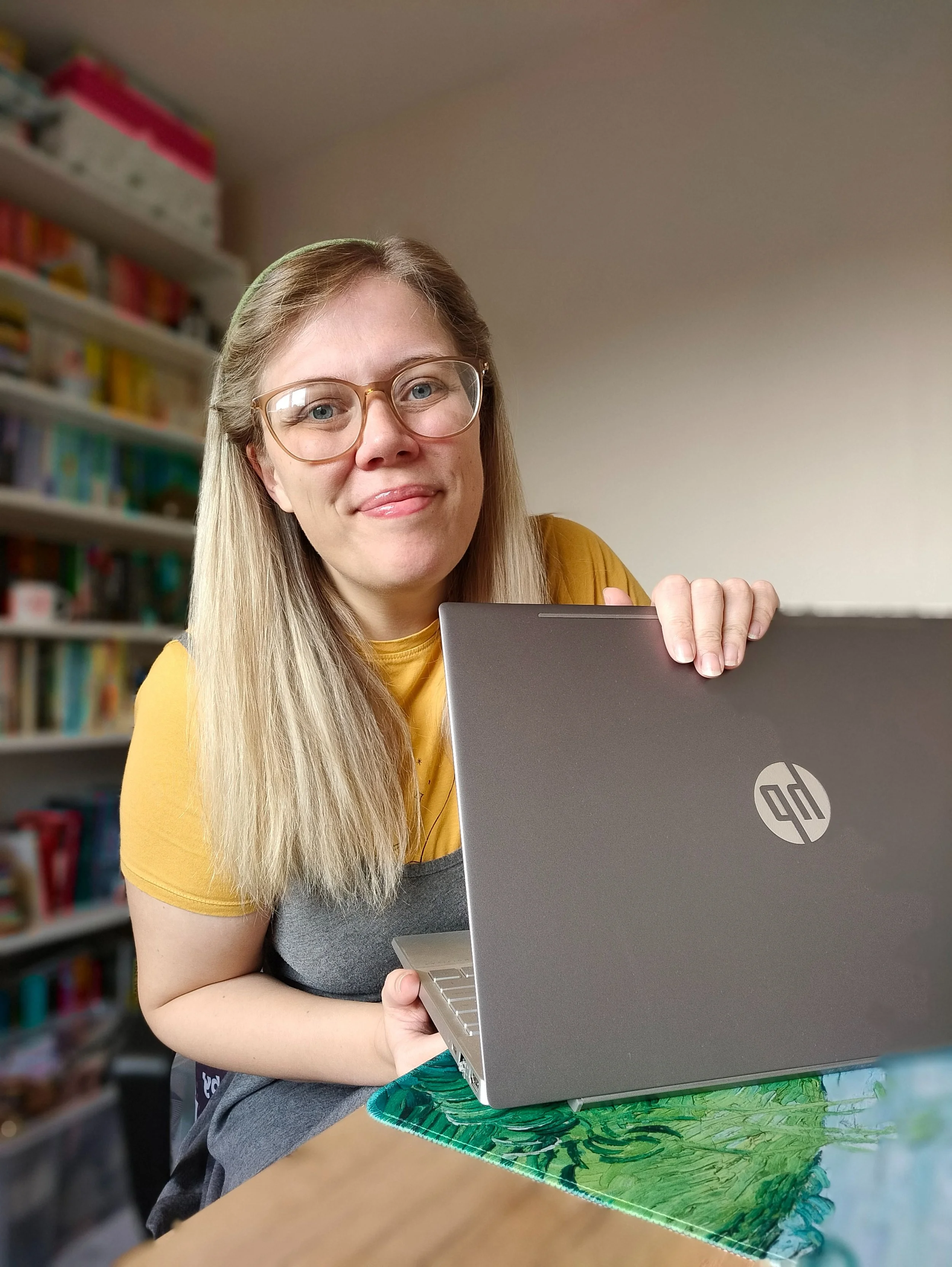
Hey - I’m Amy! Designer, book lover & crochet addict - helping women-led brands bloom online.
Join the List
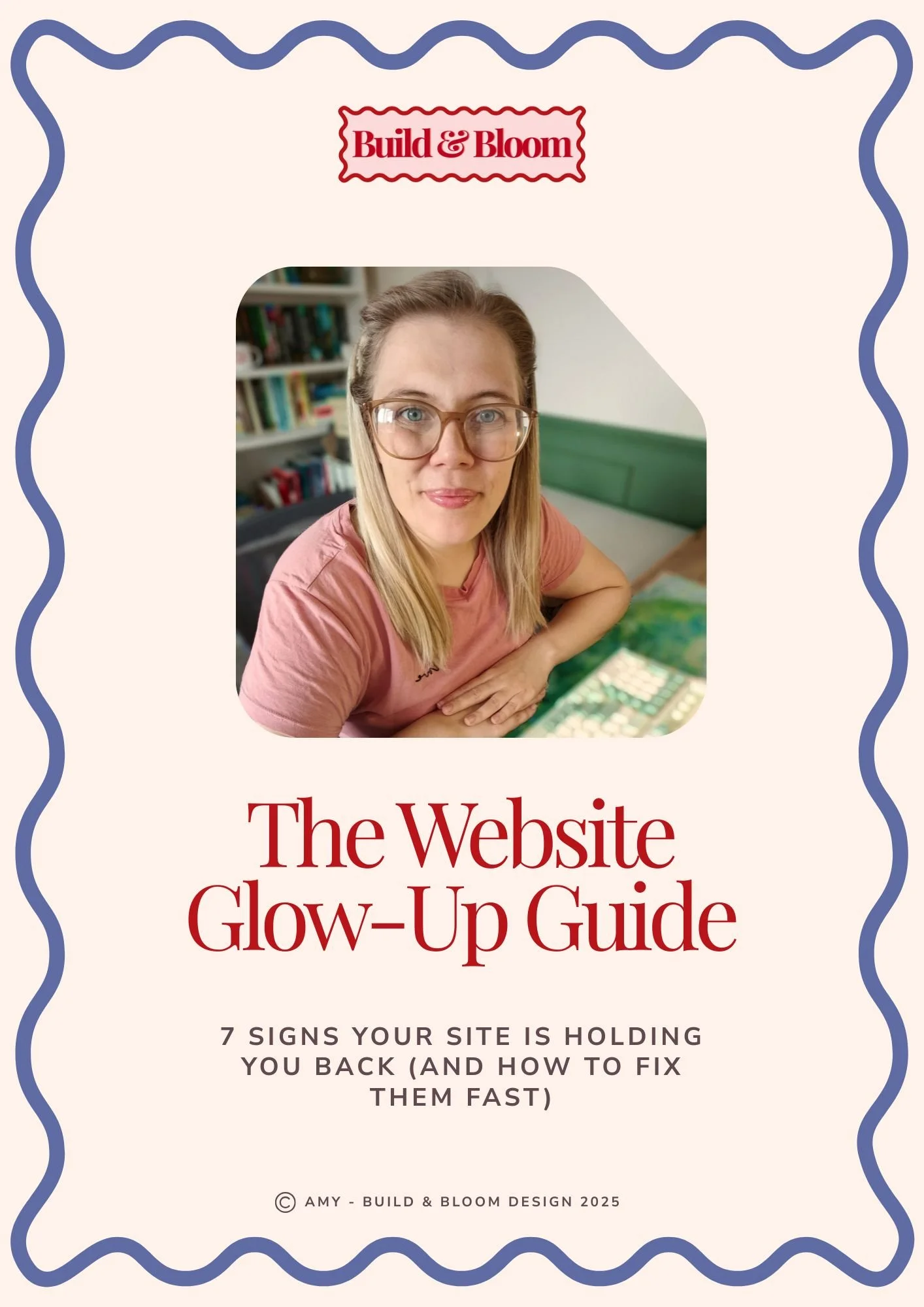
Grab your free copy of The Website Glow-up Guide!

Head over and explore the Aster template! Full demo site available.